Engineering note
The scientific image engine behind BisQue Ultra
How BisQue Ultra opens more than 90 scientific formats, builds tiled pyramids, and preserves dimensional semantics from resource browser to viewer.
Scientific AI begins before inference. It begins when the system decides whether an instrument file is a meaningful scientific object or an opaque attachment.
BisQue Ultra now launches a dedicated image service built around libbioimage, plus a conversion worker for derived image pyramids. Together they open more than 90 scientific formats and turn difficult data into bounded representations the browser can inspect: tiles, image planes, z-slices, histograms, scalar volumes, HDF5 structure, and video posters.
That engine changes the product. A researcher can move from file to viewer to model-guided analysis without first flattening the data into a generic PNG or rebuilding dimensional context by hand. The agent depends on the same engine: an autonomous run reads the same bounded representations a human reviewer sees, so what the model analyzed and what the scientist inspects are the same object.
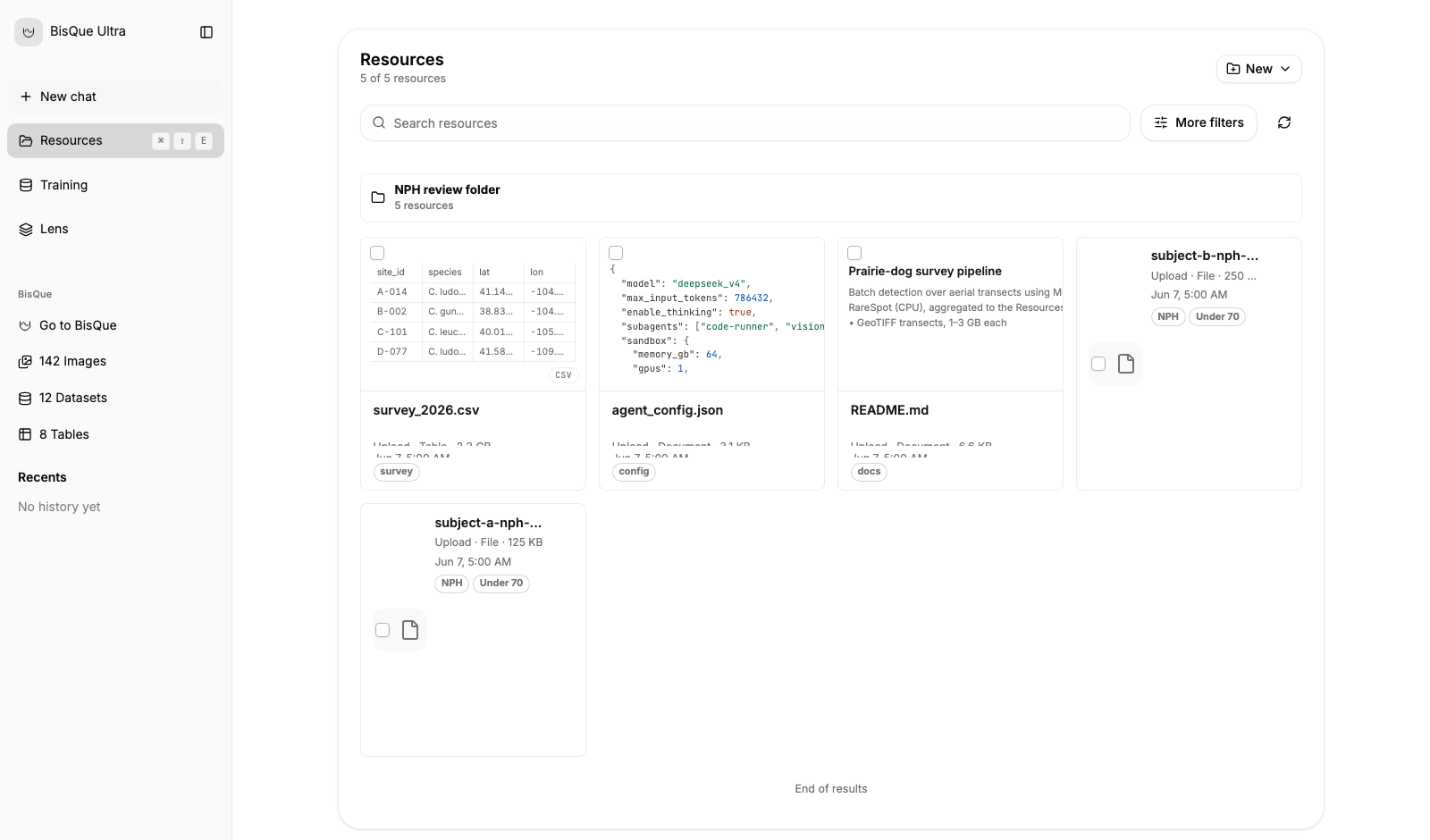
Files, collections, previews, sharing, restore operations, BisQue imports, and analysis actions use the same resource contract.
Start with the formats scientists already have
The local Docker stack can open CZI, ND2, OME-TIFF, NIfTI, DICOM, multi-page TIFF z-stacks, video, and more than 90 additional formats exposed by the image service. HDF5 and OME-Zarr paths have their own bounded readers because their structure requires more than ordinary raster decoding.
Format breadth matters only when it preserves useful behavior. Ultra does not stop at answering “can this file be read?” The service also derives the information the frontend needs to choose an inspection path:
- dimensions, channels, depth, and time
- pixel and physical spacing where available
- scalar ranges and histograms
- tile and pyramid availability
- plane selection and z-scrub controls
- HDF5 groups, datasets, shapes, and candidate arrays
- video poster frames and media metadata
The reader contract lets the frontend distinguish a large 2D mosaic from a scalar volume, a slice stack, a video, or a structured HDF5 resource. The interface can then expose the right controls instead of pretending every file should look the same.
Separate request serving from conversion
Large scientific images often need a tiled pyramid before they become pleasant to inspect. Building that pyramid can be expensive, so Ultra does not make the interactive request path own the conversion.
The image service answers bounded reads. A separate conversion worker consumes durable jobs and builds derived pyramids on upload. The control plane records the resource and derived-state transitions while NATS JetStream carries the work.
This separation has practical value:
- The user can see that conversion is work with a state, not a frozen browser.
- Image requests remain responsive while the worker performs longer native operations.
- Conversion can be retried, observed, and scaled independently of the web interface.
- The source file remains the scientific record; the pyramid is a derived viewing artifact.
That final point is important. A pyramid improves access. It does not replace or silently rewrite the acquisition.
Viewers preserve different kinds of evidence
Ultra’s viewer layer is a collection of purpose-built inspection modes behind one shell.
Deep zoom
Large tiled images remain navigable without asking the browser to decode the full source at once.
tile boundedPlanes and z-scrub
Multi-page stacks and microscopy volumes expose depth explicitly, with stable plane selection and preview behavior.
z + t + cScalar volumes
Windowing, physical units, Hounsfield Units where present, slices, transfer functions, lighting, axes, and scale cues support volumetric interpretation.
2D + 3DHDF5 inspection
A structured resource can be explored as groups and datasets before a scientifically meaningful array is selected for rendering.
structure firstThe design goal is not one universal viewer. It is one consistent route into viewers that respect the semantics of the source.
Resources stay operational after upload
The Resources page adds the actions needed after a file appears in the system. Researchers can search and filter across uploads and BisQue resources, organize collections and folders, inspect previews, share resources, rename or restore items, and create dataset snapshots.
Uploads use durable sessions with visible progress and recovery controls. That matters when scientific files are large enough that a failed transfer is not a minor inconvenience. The system models pause, cancel, resume, completion, and resource creation as operations rather than browser-only state.
The same resource can then move into a tool-guided run. The model does not receive an anonymous blob; it receives a resource identity that the control plane, viewer, and artifact record can all reference.
Why this belongs in the AI architecture
It is tempting to describe the image engine as infrastructure beneath the interesting model work. In scientific software, that division is false. Reader behavior, dimensional interpretation, scaling, unit handling, and derived representations all shape what the model sees and what the researcher can verify.
The image engine is therefore part of the evidence path. It records enough structure for the user to inspect the input before inference, compare a generated result against the source, and return to the same object later.
The next work is driven by real datasets: broader format qualification, stronger OME-NGFF workflows, viewer performance on larger resources, and domain-specific display conventions. Request research access if your lab has a format or viewer requirement that should shape that path.